
Guides · Setting up
Which till (EPOS) system for a small café or bar?
The system I ran my own bar on, what it really cost, and the catches to read before you sign.
When I opened Time Café & Bar I had a cash register and a card machine that didn't talk to each other. By the end I had a proper EPOS (electronic point of sale) system: the touchscreen till that takes the order, sends it to the kitchen or bar, takes the card payment and tells you at the end of the night what you sold. This guide is what I learned, including the invoice from my own system.
What you actually need, in a small place
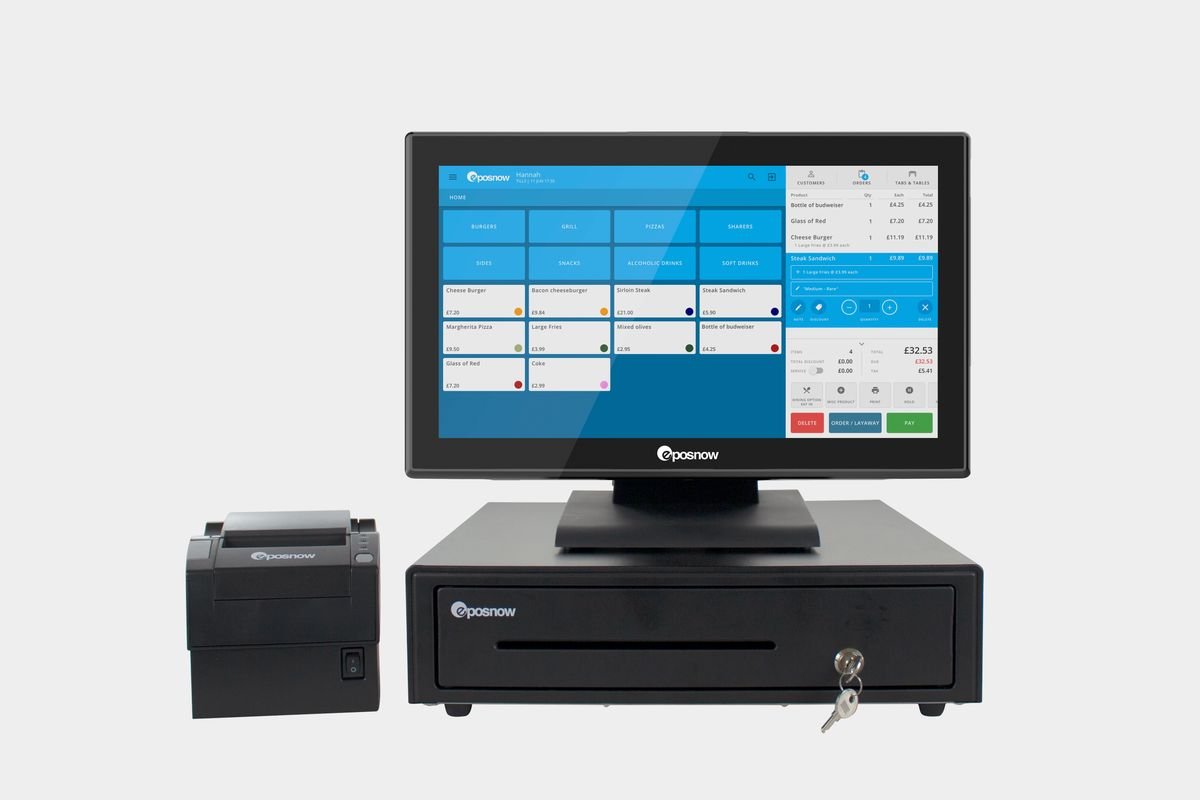
- A touchscreen terminal with your menu laid out in buttons. Speed on a Friday night matters more than any clever feature.
- A card reader that's linked to the till, so the amount goes straight across. Typing amounts into a separate card machine causes mistakes and makes cashing up miserable.
- A cash drawer and a receipt printer. A kitchen printer too if you serve food.
- End-of-day reports you can read on your phone: takings, what sold, who served it, voids and discounts. This is how you spot waste and the occasional light-fingered member of staff.
- Table and tab management if you're a bar. Being able to open a tab against a card saved me countless walk-outs.
What you don't need on day one: stock control for every lime, loyalty apps, online ordering. Add them when the basics run smoothly.
The system I ran my bar on: Epos Now
In March 2022 I bought the Epos Now Hospitality Solution Pro: a Pro-C15 Android terminal, a cash drawer, an 80mm receipt printer and the first year of their hospitality software. Here is what the invoice said, because real numbers beat brochure numbers:
| Item | List price | What I paid |
|---|---|---|
| Hospitality Solution Pro (terminal, drawer, printer, first year of software) | £399.00 | £149.00 after a £250 discount |
| Protect Now care plan (up to 2 accidental damage repairs) | £14.00 a month, excl. VAT | |
| Support licence for additional devices, pro-rata | £10.00 | |
| Delivery | £9.49 | free |
| Total on the day | £201.85 including VAT | |
So the hardware was cheap. Where the money goes is the monthly software licence after year one, the care plan, and the card-processing fees, which is normal for every EPOS company.
Questions to ask any EPOS salesperson
- What is the monthly software cost after the first year, and does it go up?
- What is the card-processing rate, and is there a monthly minimum or a terminal rental fee?
- What happens if I want to keep my existing card provider?
- How long is the contract, and what does it cost to leave?
- If the terminal dies on a Saturday night, who do I call and how fast do I get a replacement?
- Can I see my takings on my phone from home?
How it was day to day
Some history first. From 2010 to 2014 I ran the bar on an old-style till. Then I used a Turkish-made EPOS system until 2021, and that year I switched to Epos Now. It was a clear step up: easier to run, and easy to set up the menu myself, add or remove items and make sections without calling anyone.
Sections saved my sanity. Time Bar had a front terrace, a balcony and the bar itself, and I set the till up with a section for each, so every waiter and waitress worked their own area and nothing got muddled on a Friday night.
Staff logins were the best feature. Each member of staff had their own PIN. At the end of the night I could see who served which table, how much each person took, every cancelled order and the reason given, and every item removed from a bill. I checked it every night and asked questions: why was that table cancelled, what was the problem? Waiting staff could only take orders and add items; a cancellation or a discount needed a manager. That one setting stops a lot of quiet losses.
I could see the takings from my phone, which matters more than it sounds when you finally take a day off.
The handheld order devices: a good idea my team never took to. The idea is sound. With an old-style till, a waiter takes the order at the table, walks to the till, types in every item, changes the sides, swaps the drink, and only then does the order reach the kitchen. It's a double job. With the Epos Now pocket handsets, the order is typed once at the table: food goes straight to the kitchen printer, drinks straight to the bar, and the waiter moves to the next table. On paper, that's minutes saved on every table.
In practice my team never got on with them. On a busy Friday or over the weekend they found the small screens slow and fiddly, and drifted back to the till. The lesson isn't "don't buy handhelds"; it's try one on a busy shift before you buy several, and give the staff a quiet week to get used to them before the weekend rush.
Support was good, with one catch. I had technical issues now and then, as you will with any system. Reaching the Epos Now team was easy and they stayed on the phone until the problem was solved. The catch: a visit to the premises was charged, so I always pushed to fix things over the phone, and it usually worked.
The devices themselves looked good and smart on the bar. And every bit of information I needed at the end of the night was there without hunting for it.
The Epos Now tills up close
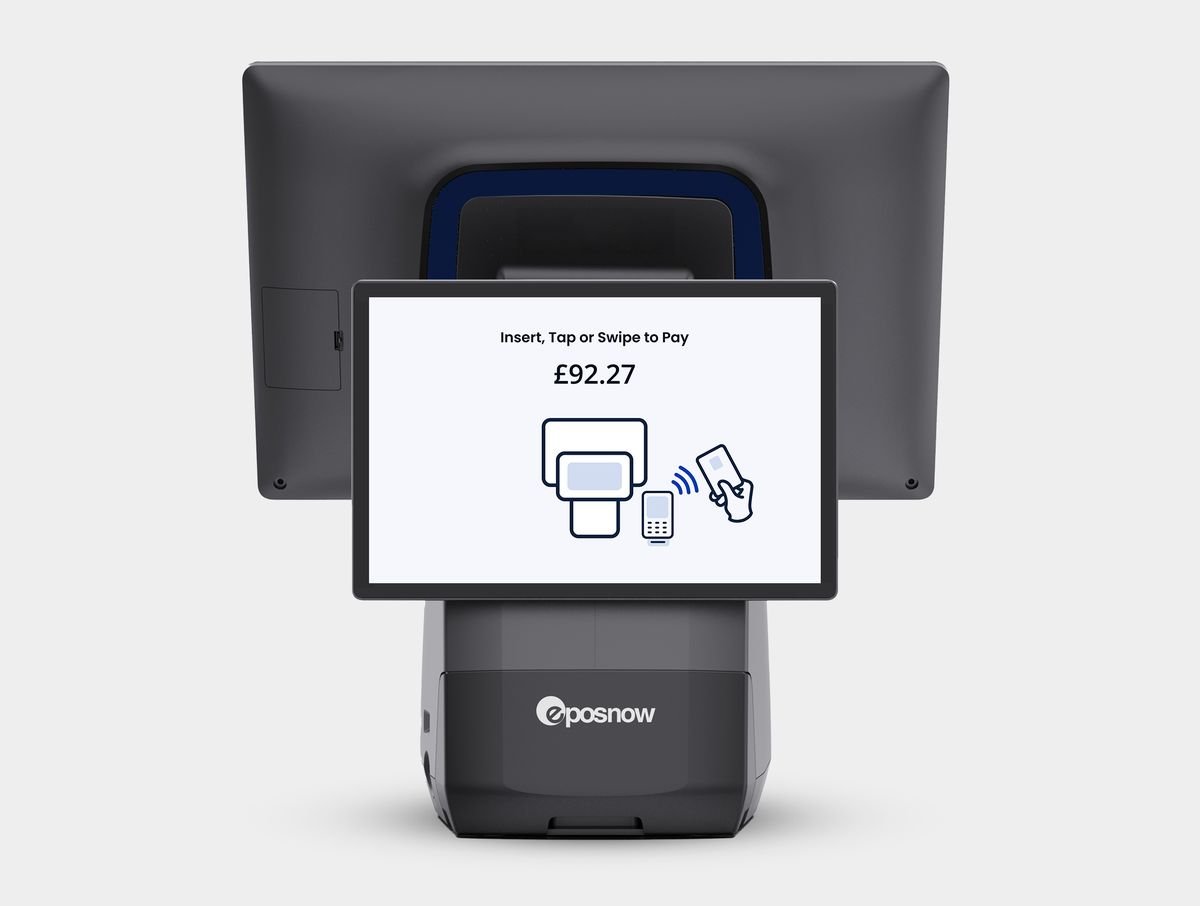
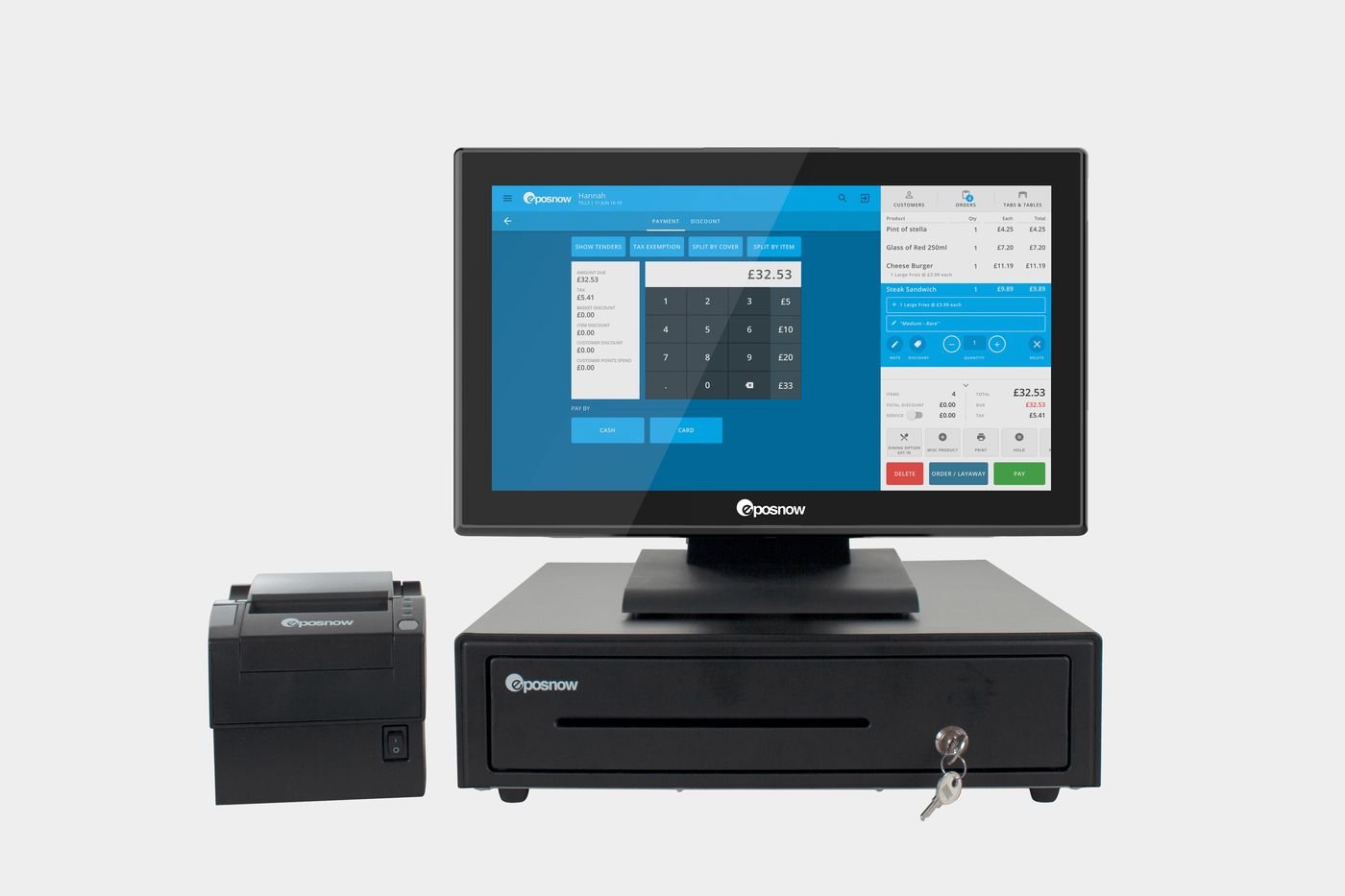
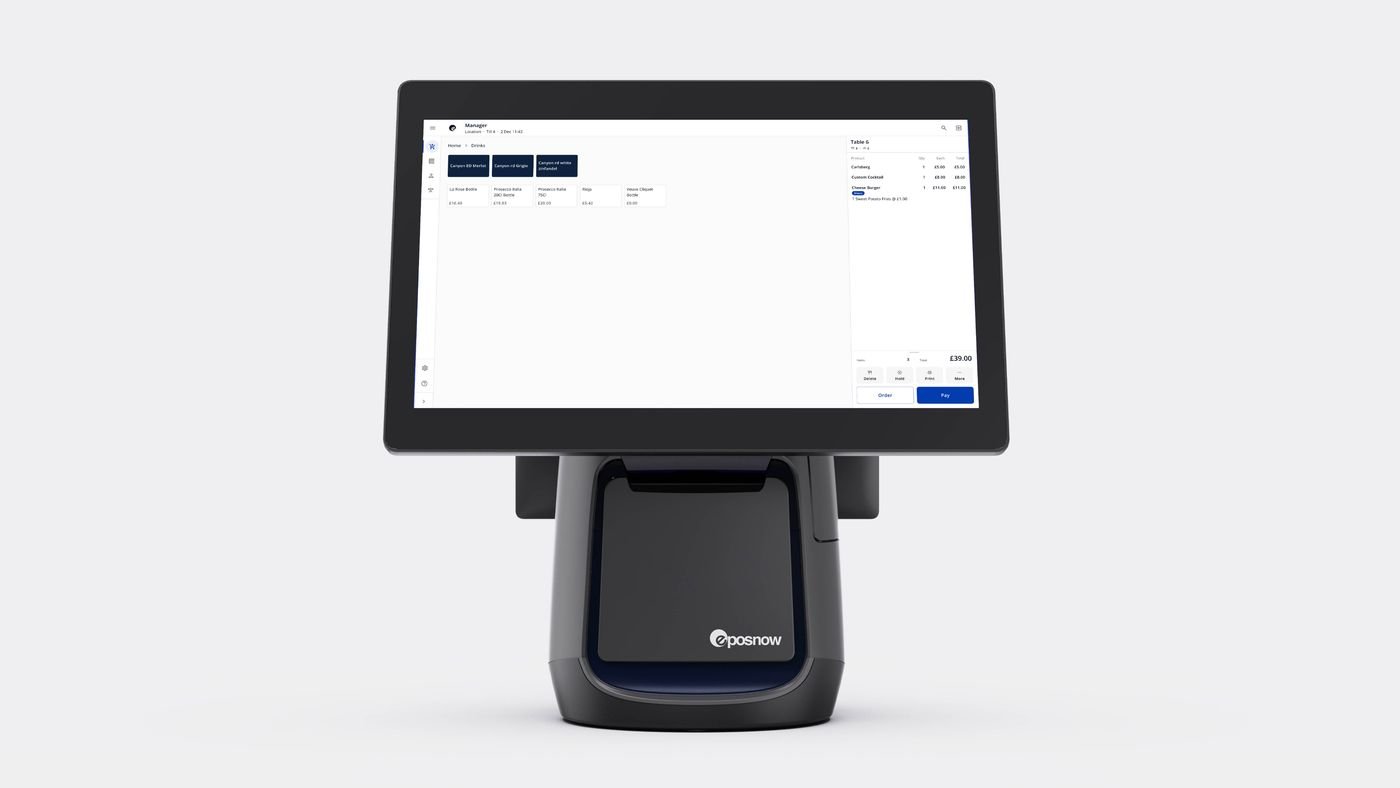
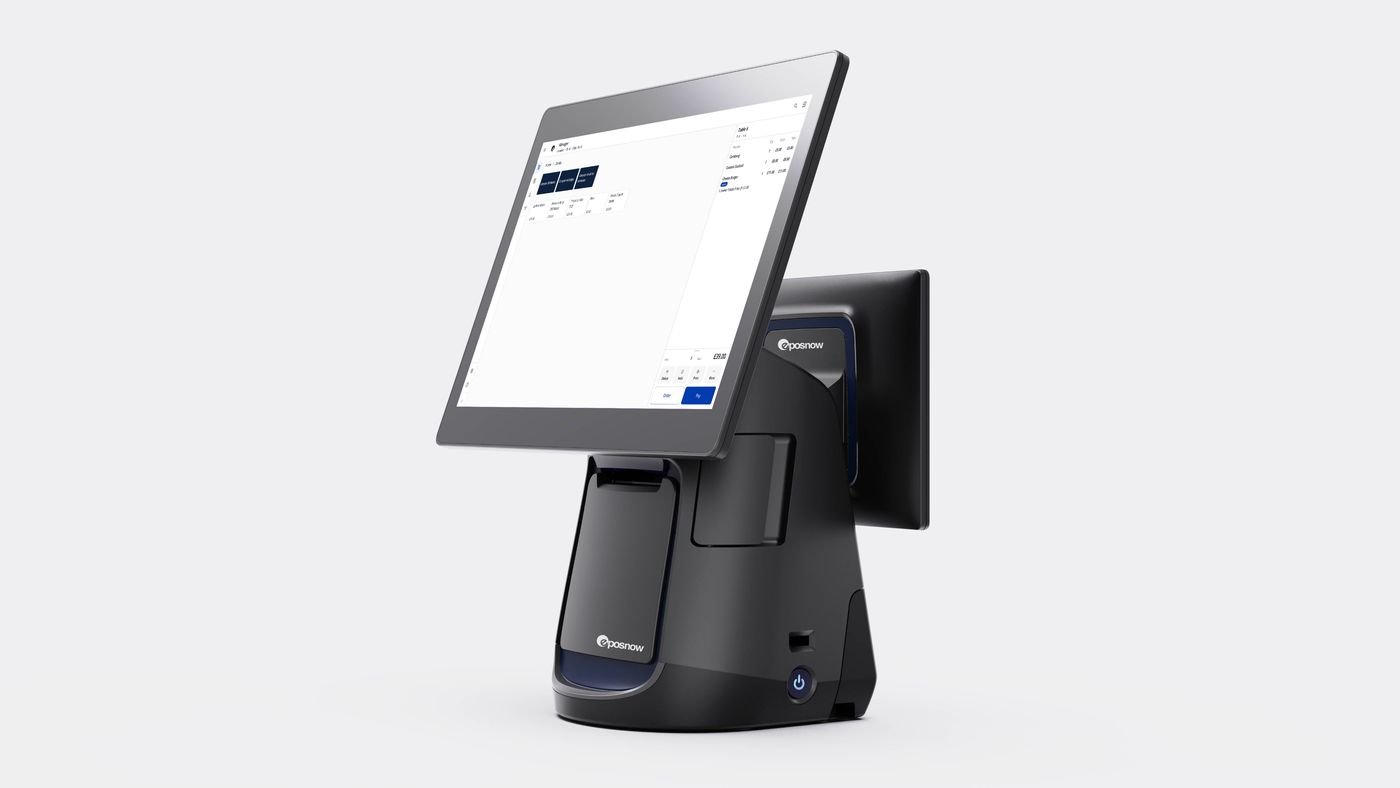
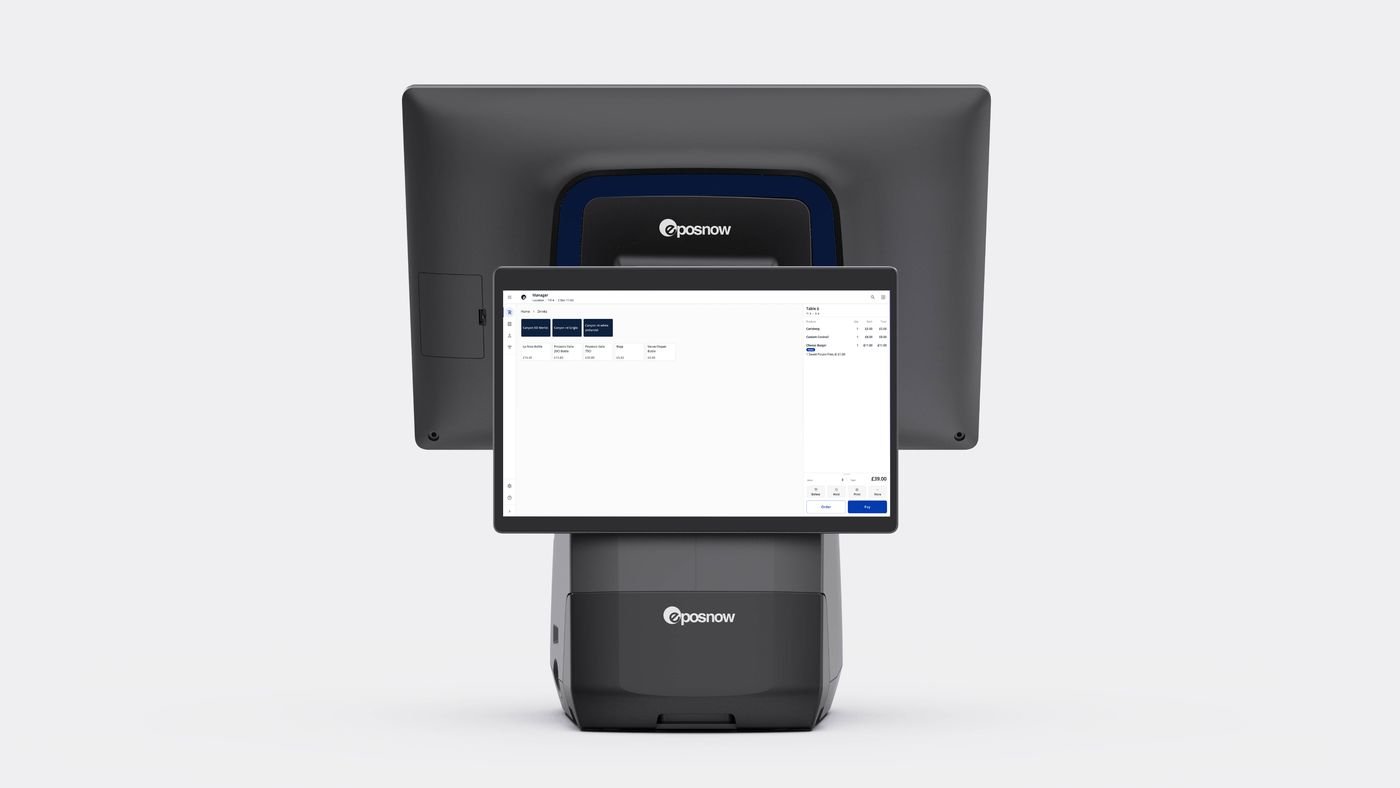
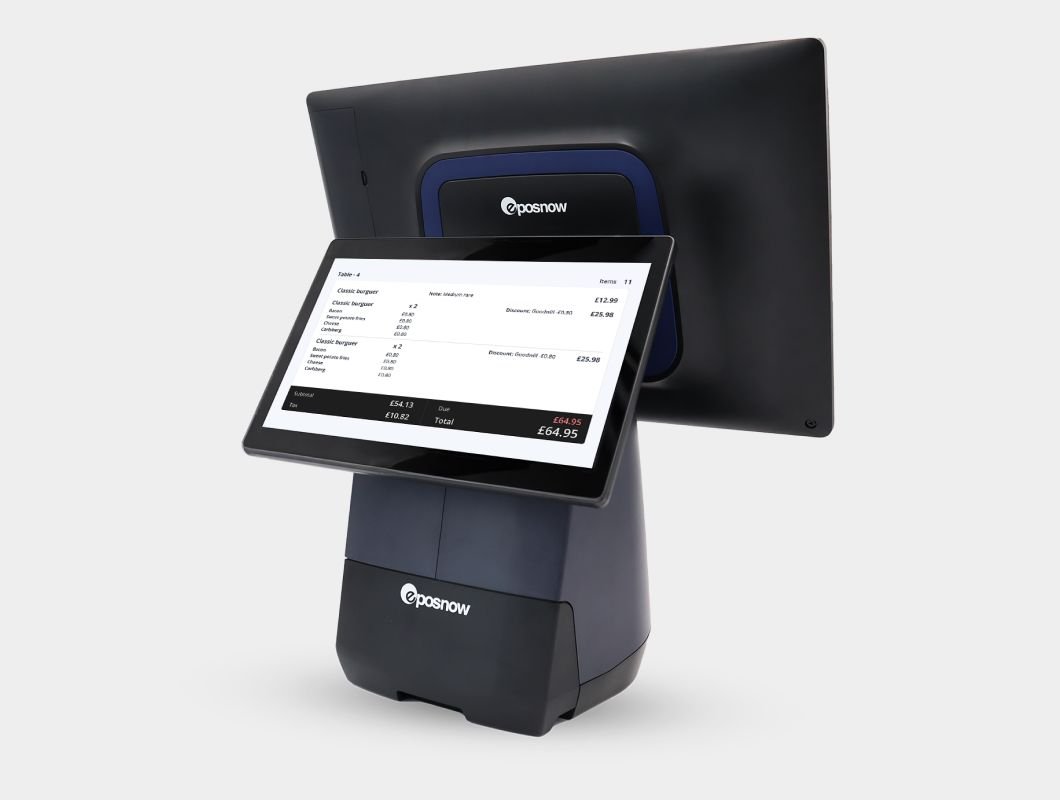
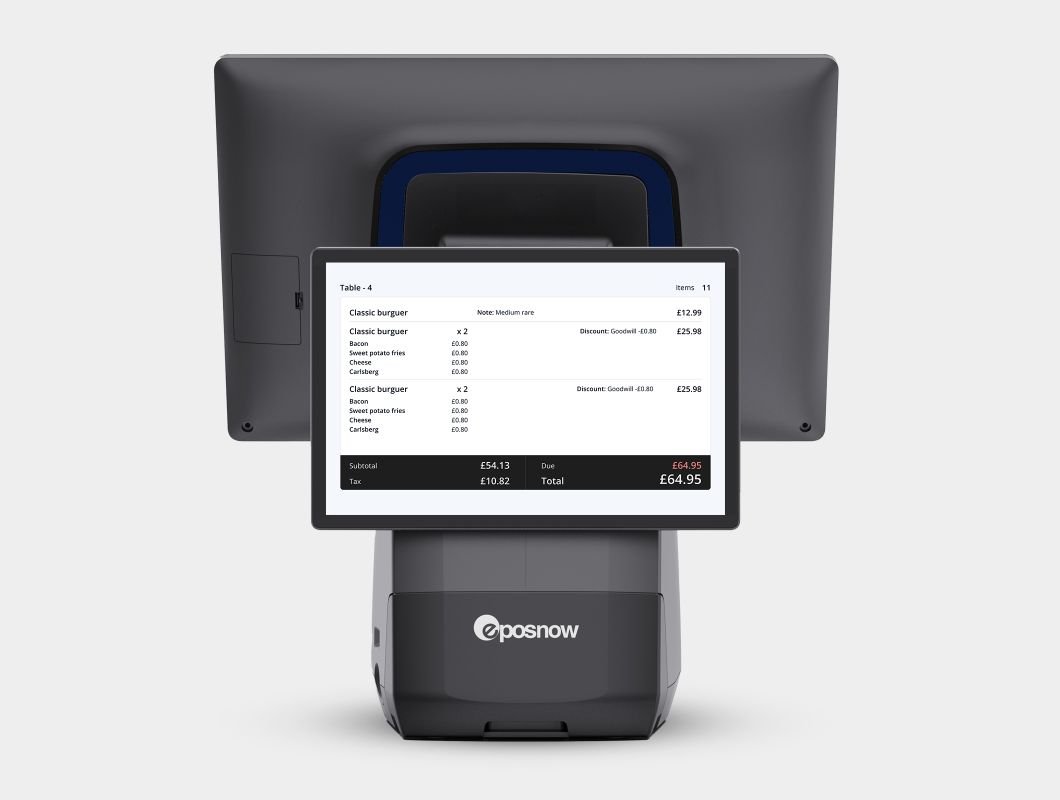
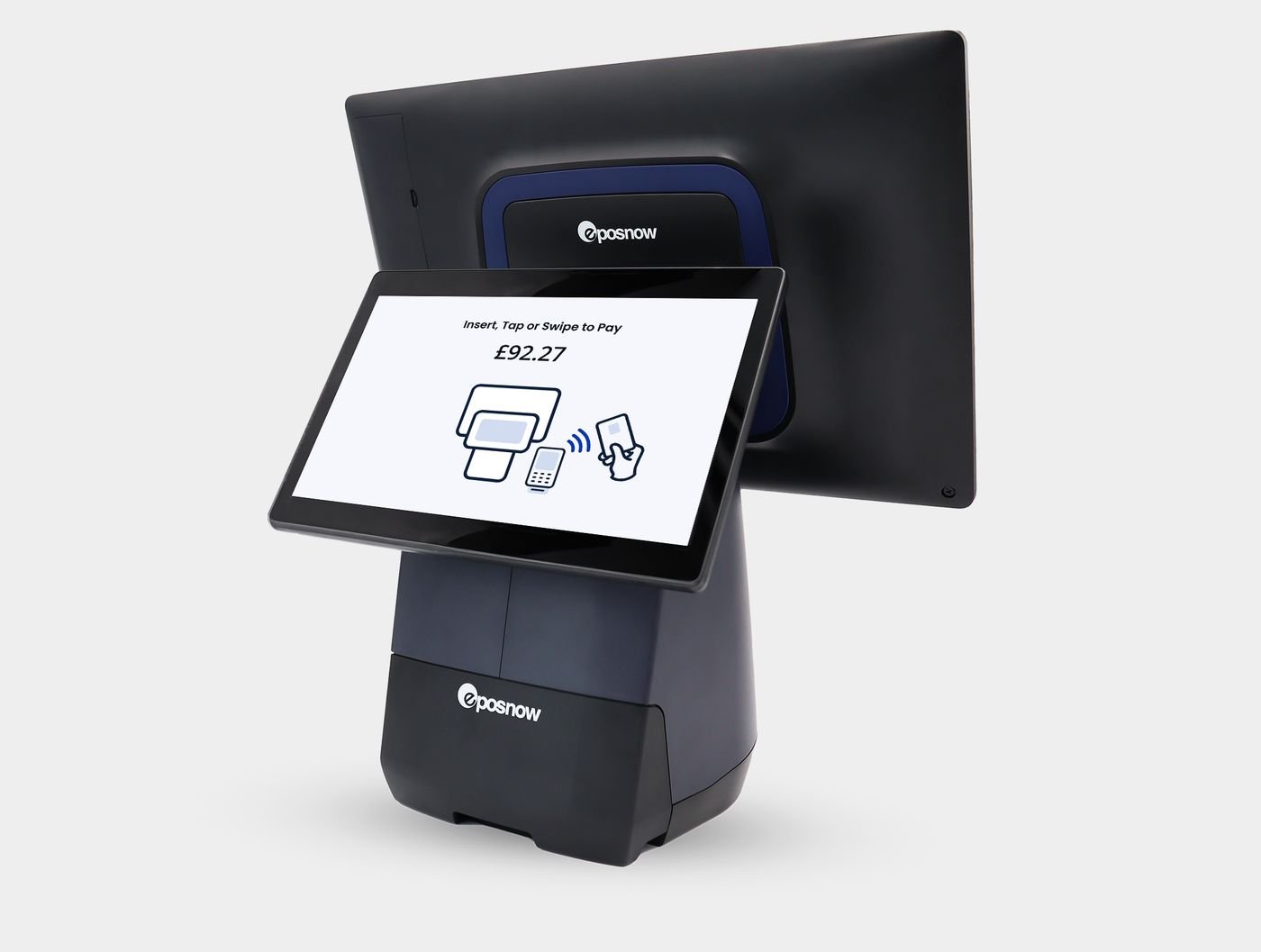
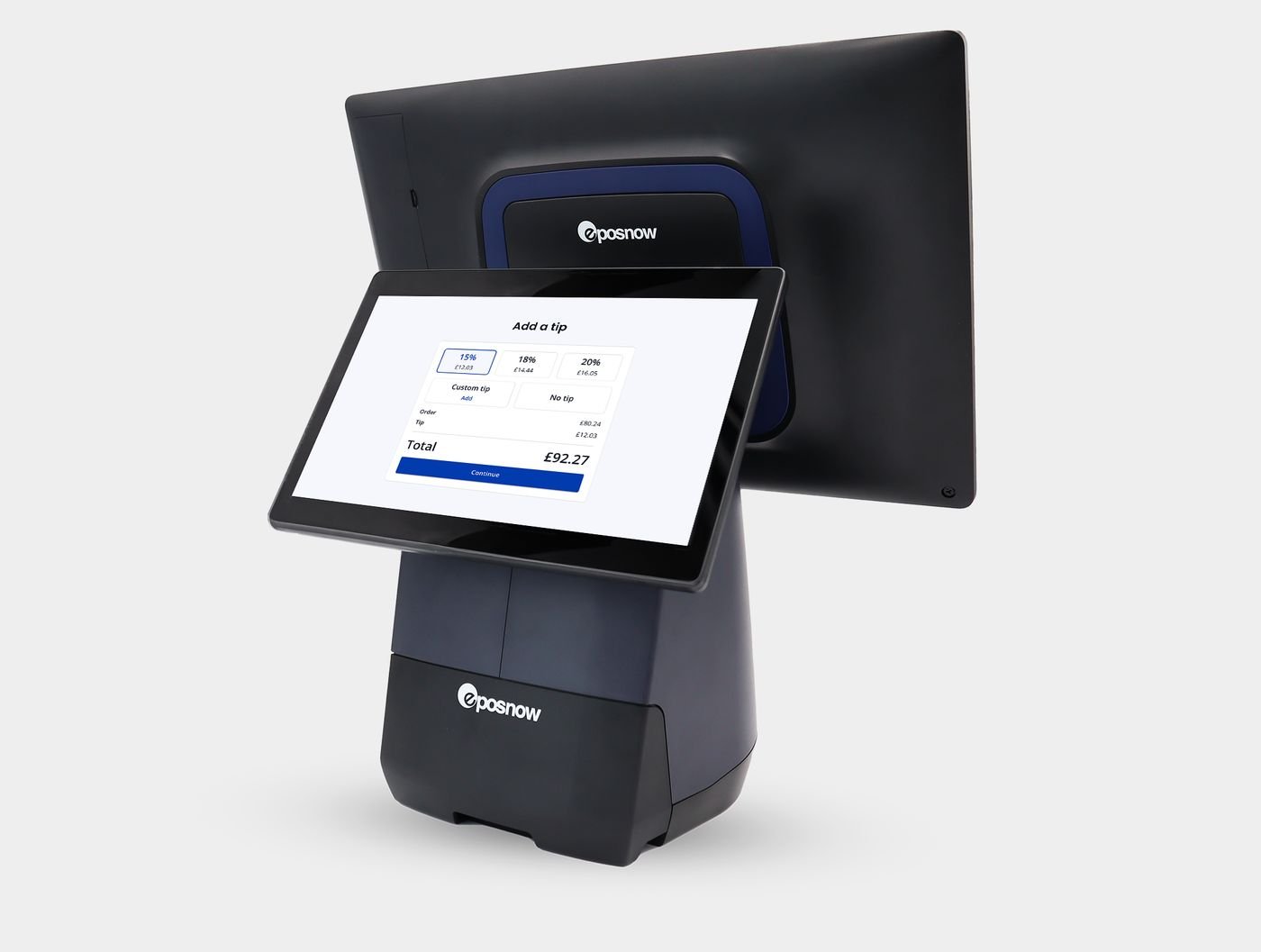
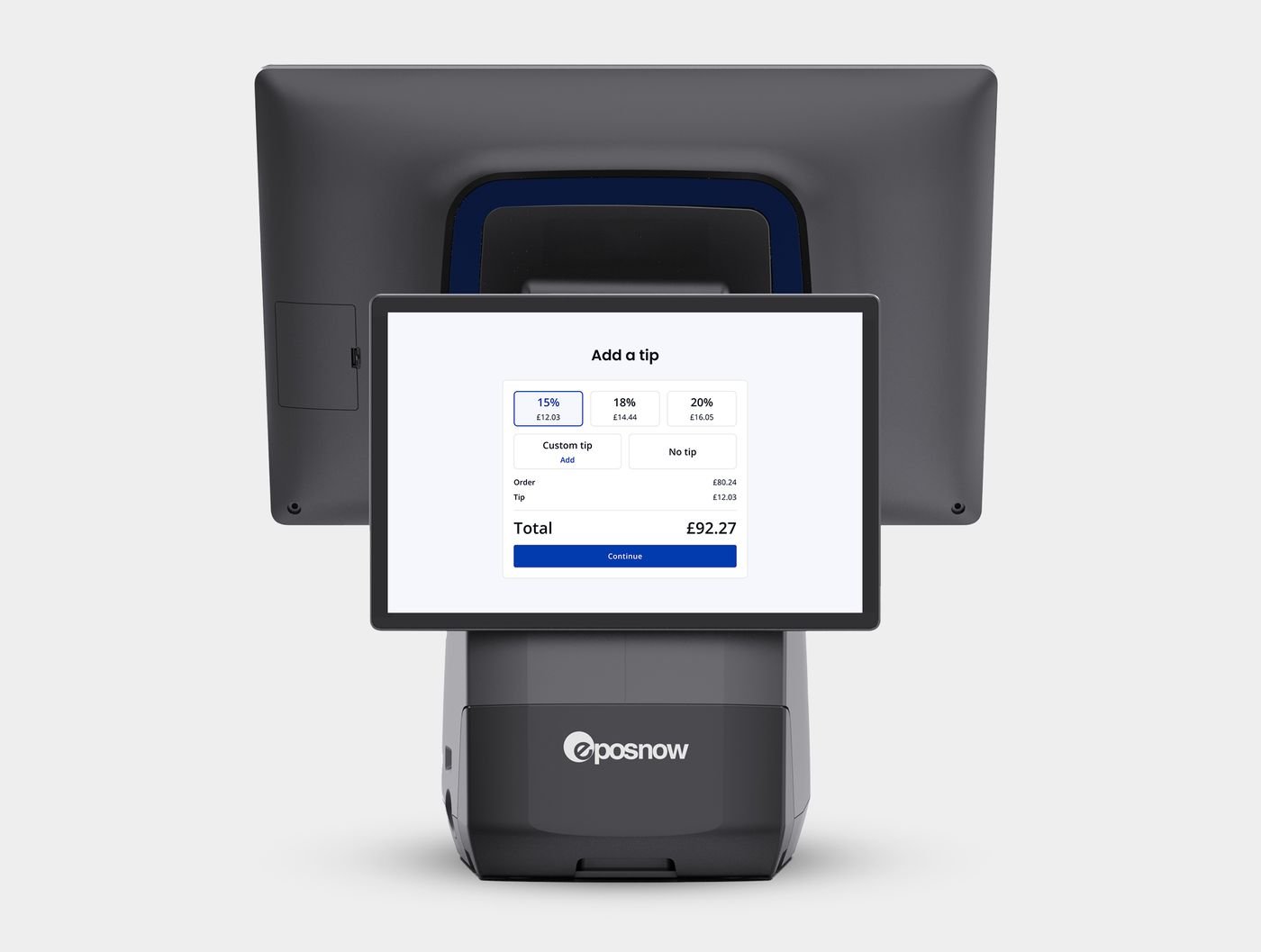
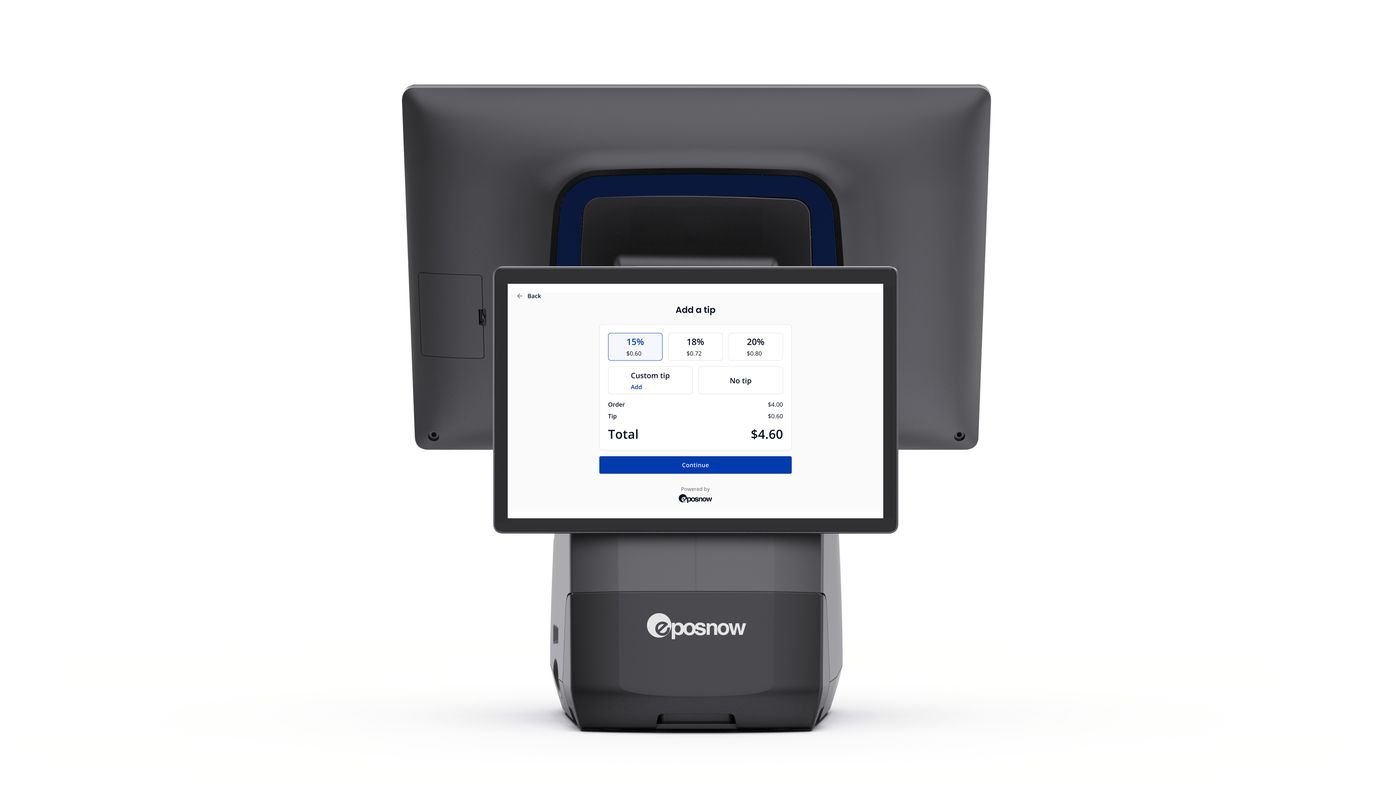
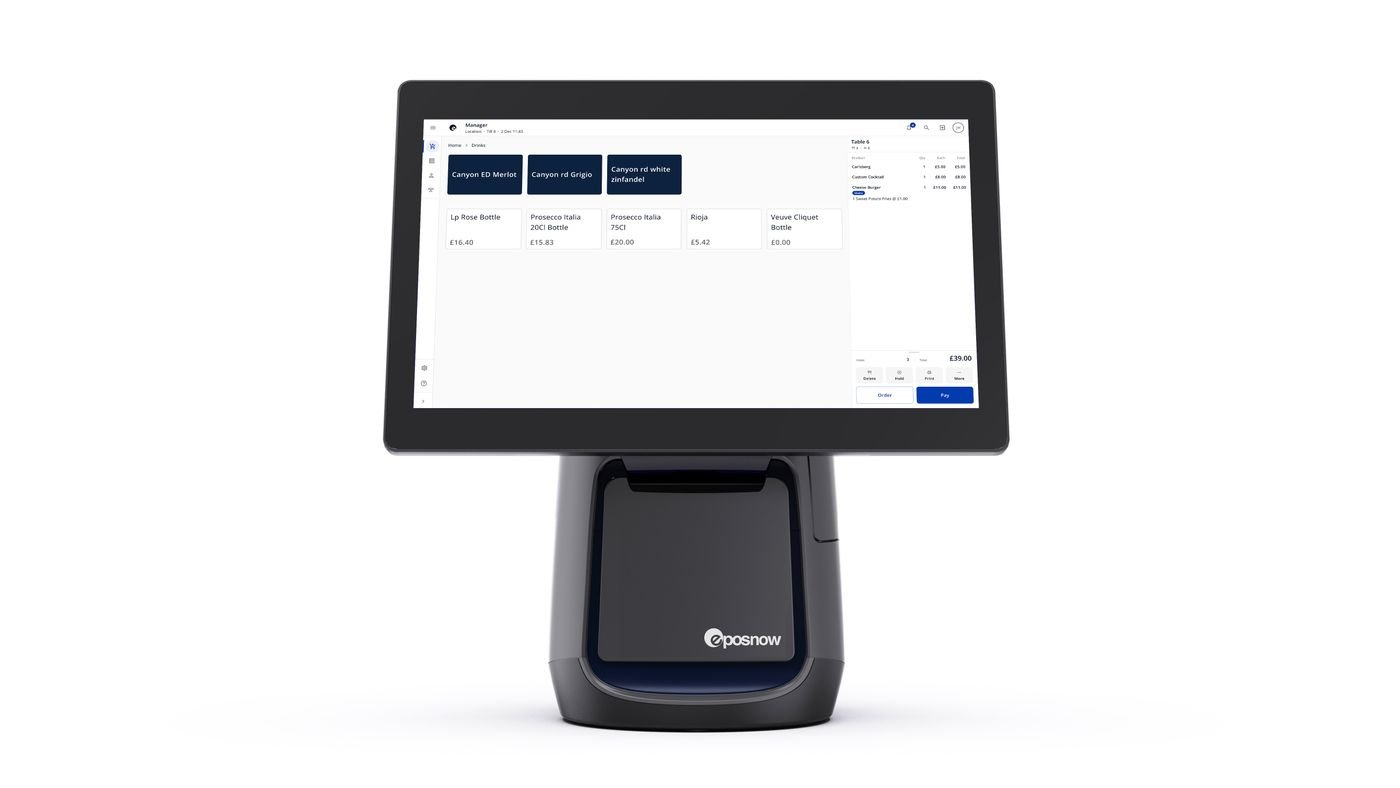
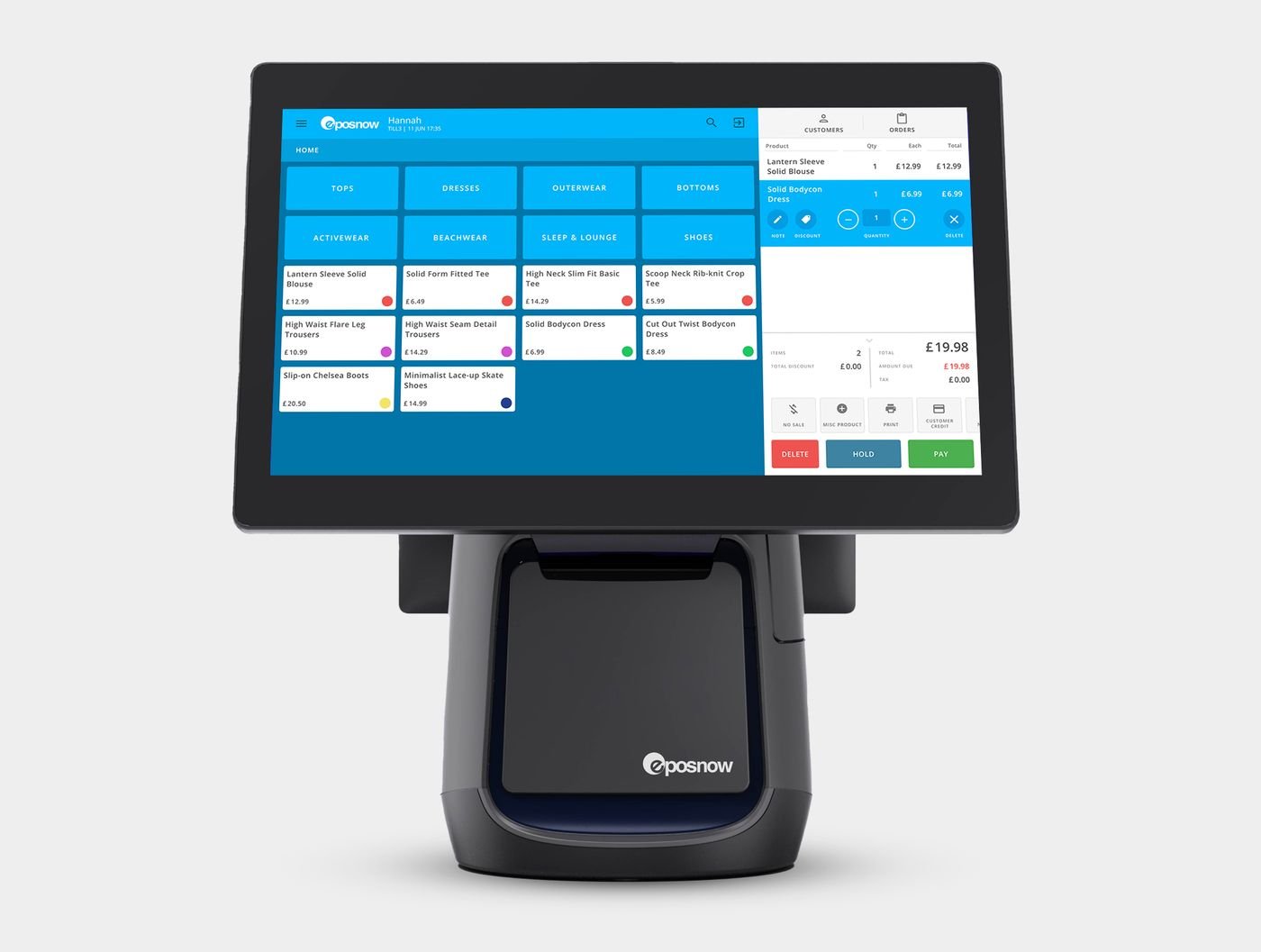
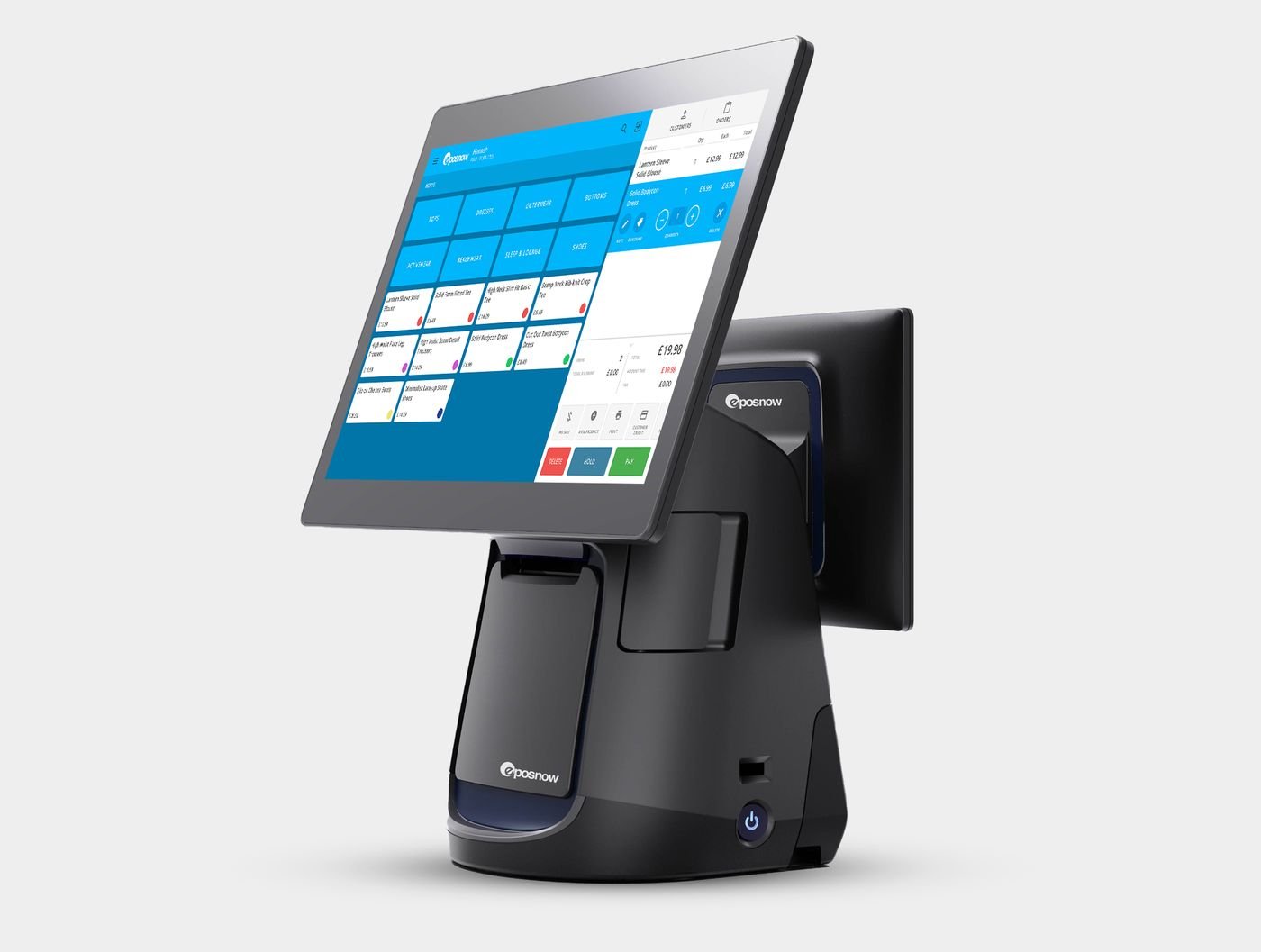
Epos Now sent me their product photos, so here is the current range from every side. Tap any photo to see it full size. The second screen on the Duo model faces the customer: they see their bill, choose a tip and pay by card while you carry on serving.
My recommendation
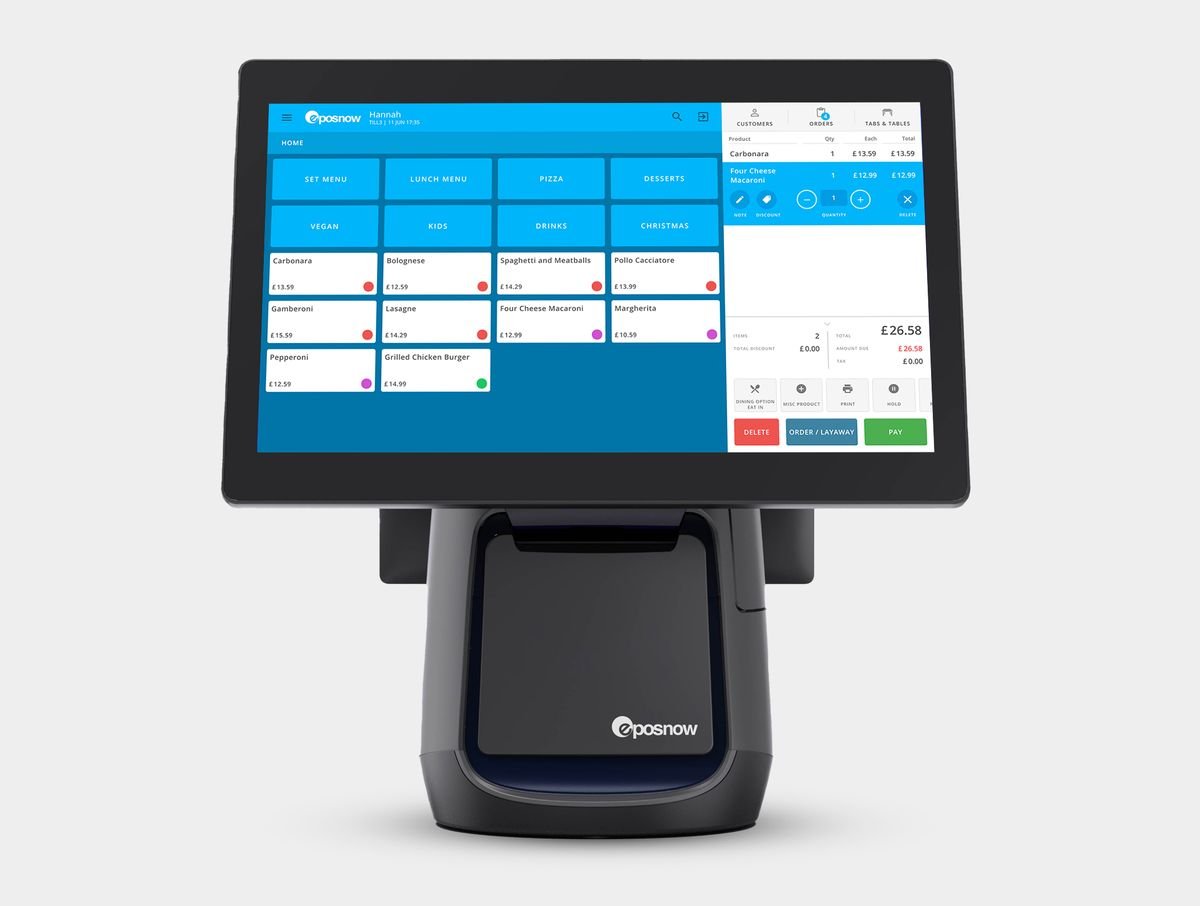
For a small café, bar or restaurant that wants one system for till and card payments, Epos Now is the one I ran my own bar on, and it did the job. Go in with your eyes open on the card-processing terms, use the questions above, and get the introductory discount: referred businesses currently get 20% off list price.

Get 20% off Epos Now: request a quote
If you sign up through that link, Epos Now pays us a referral fee. It doesn't change your price, and it isn't why I used them: I was a paying customer from 2021, long before this site existed.